AI Pumpkin Carving Stencils
Type an idea or upload a photo of your pet. Get a black-and-white carving stencil you can print, in about 15 seconds, and see it glowing before you carve.
Free preview, no signupEasy · Medium · DetailedBridges added so no piece falls outPrint or save as PDF
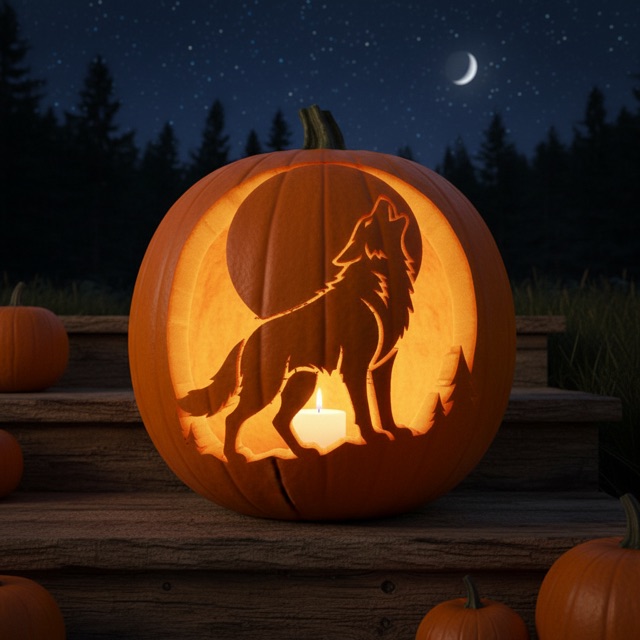
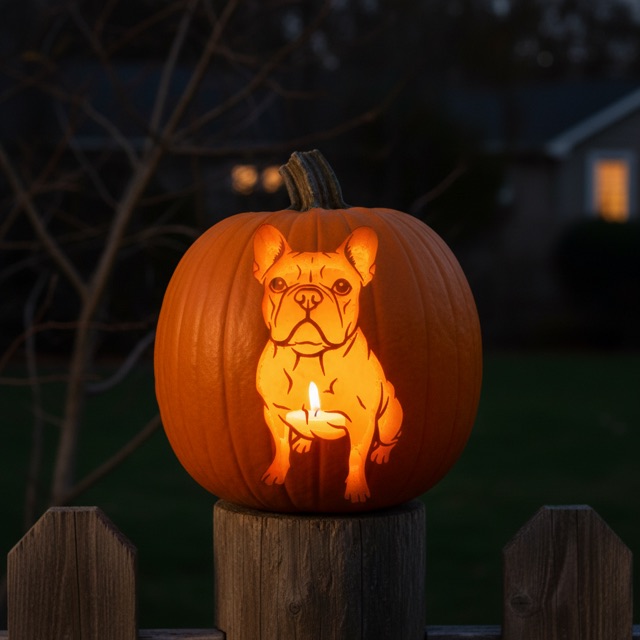
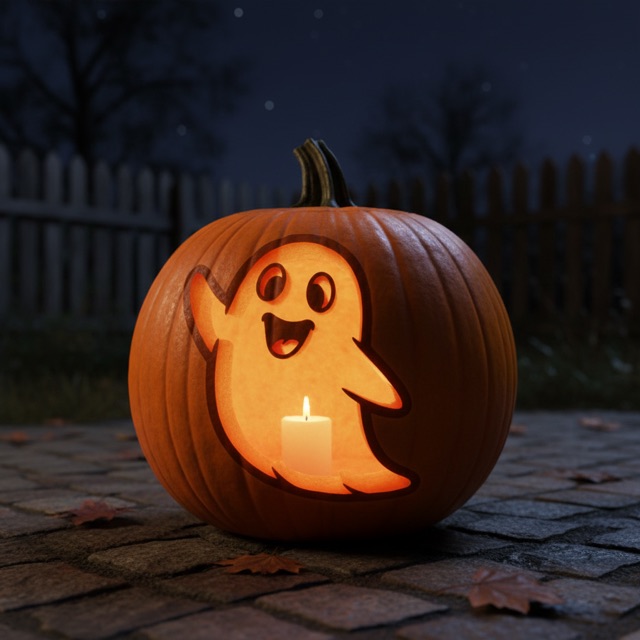
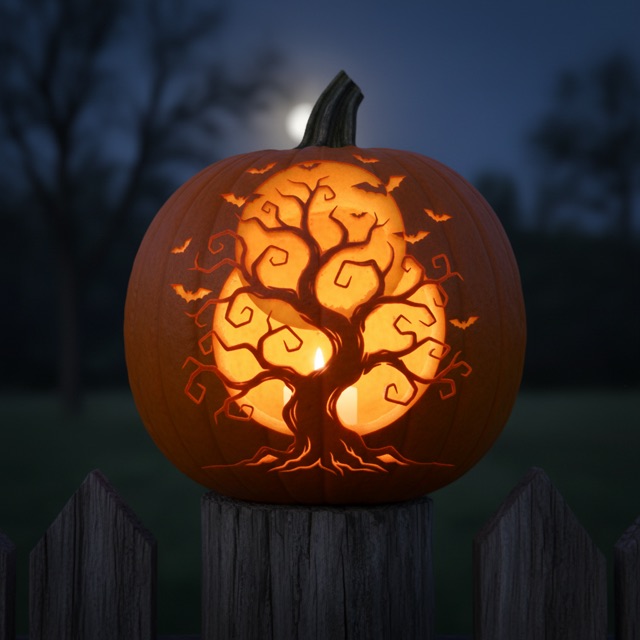
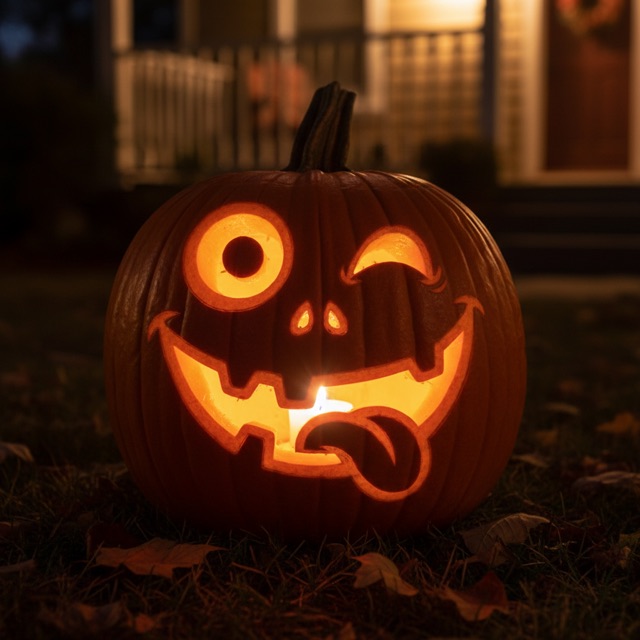
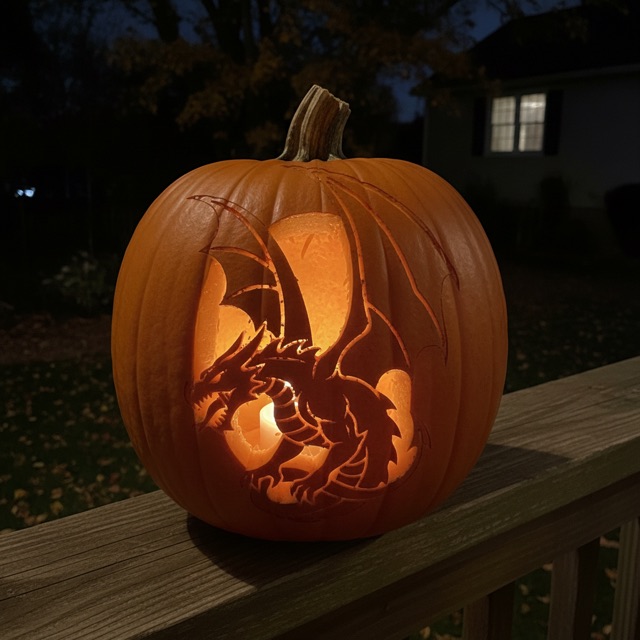
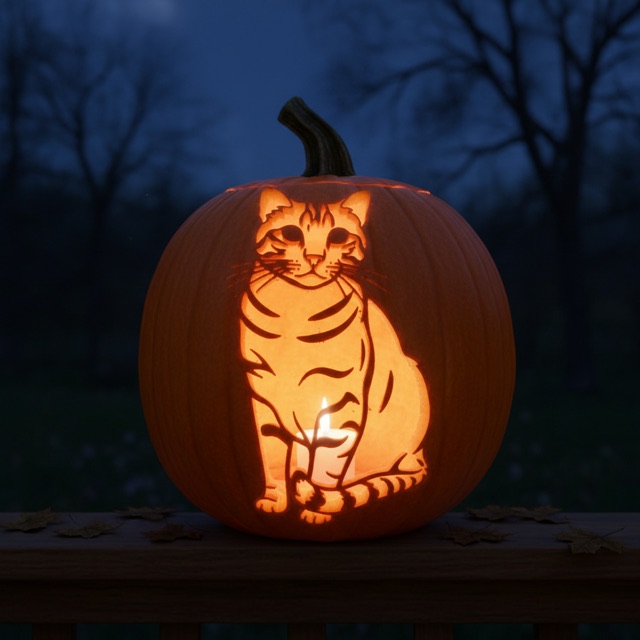
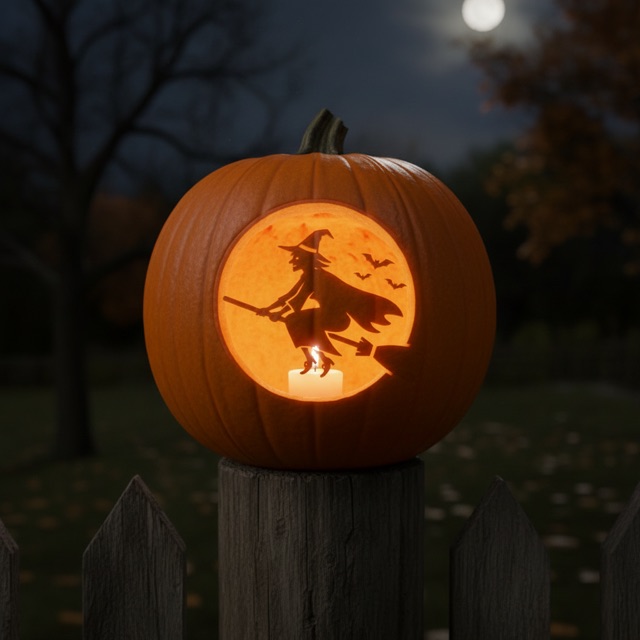
Pumpkins people make with it
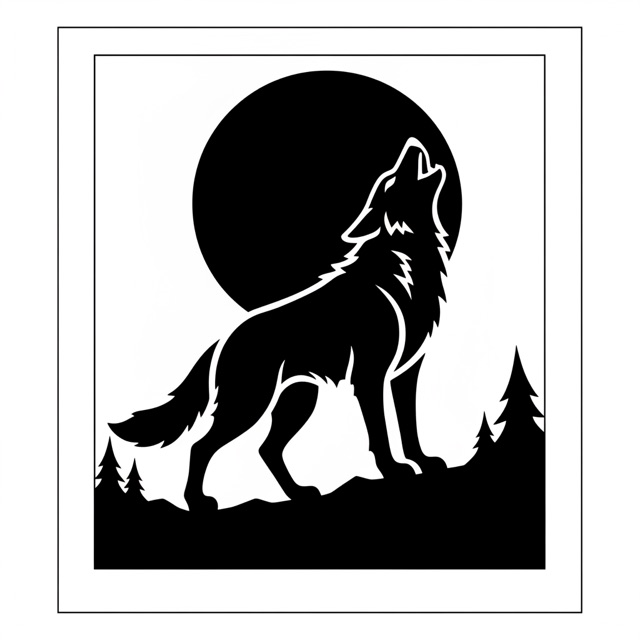
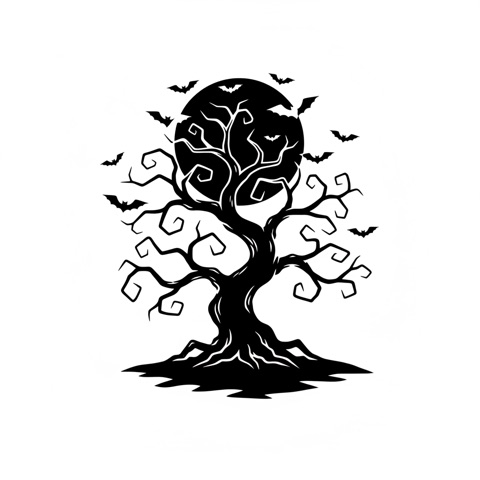
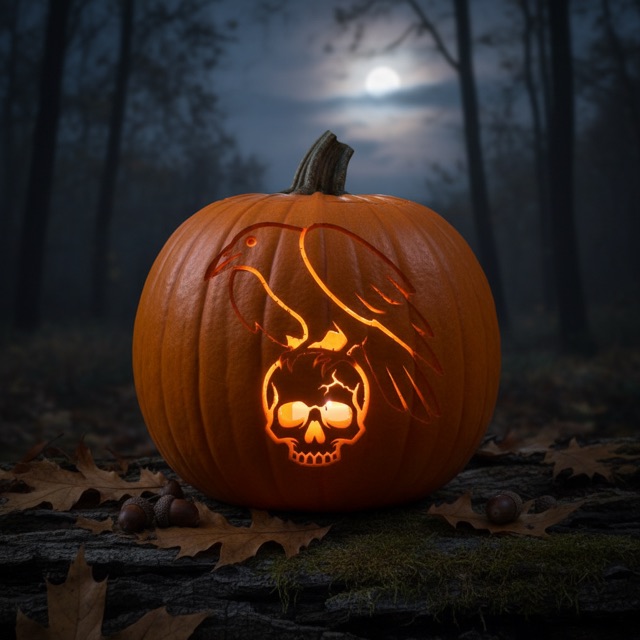
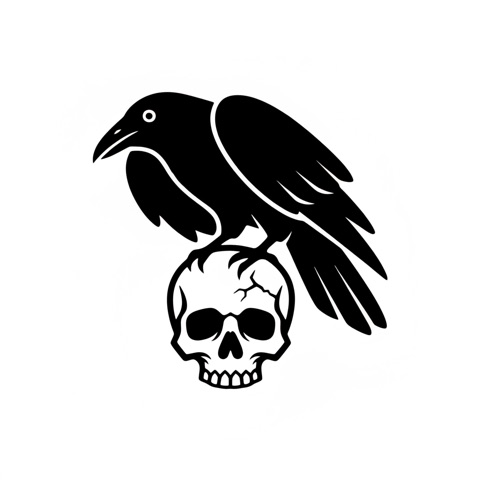
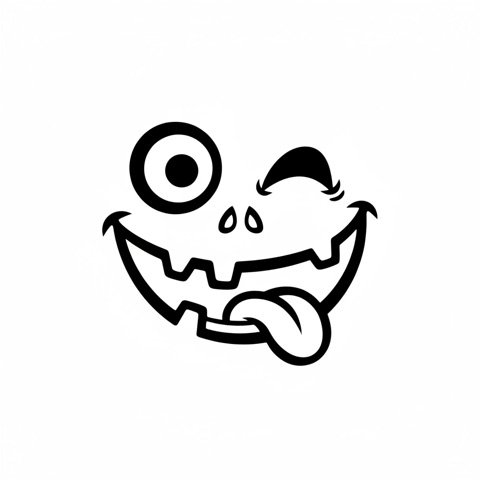
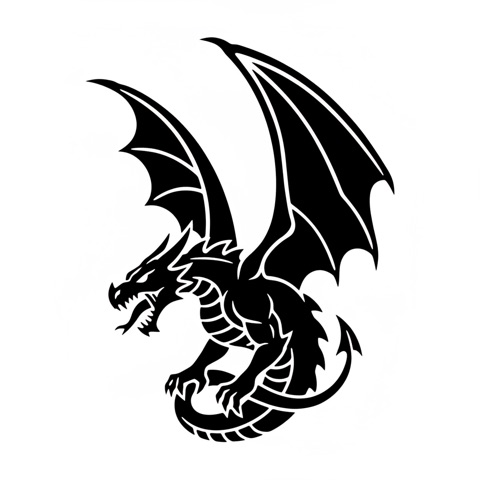
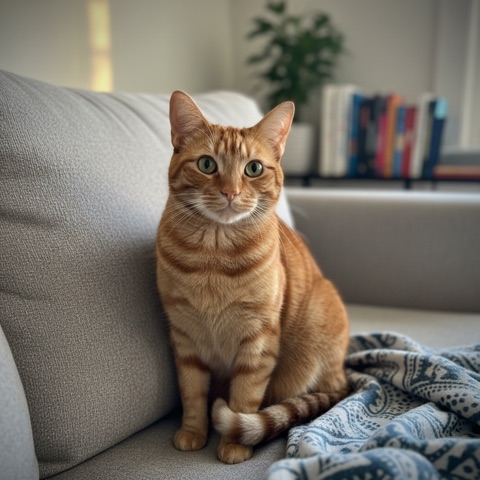
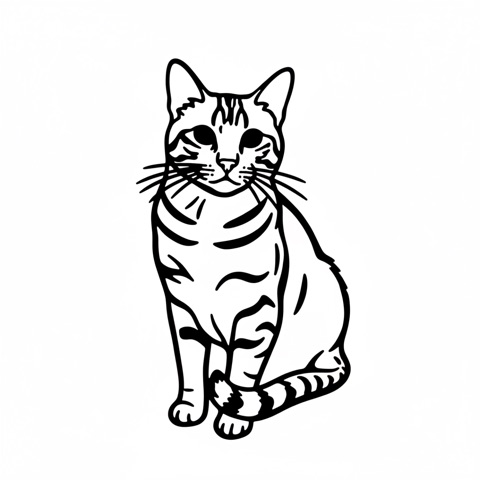
Each card is an unedited result: the stencil the AI drew (small) and the glowing preview that comes with the pack. Tap Try this idea to make your own version for free.
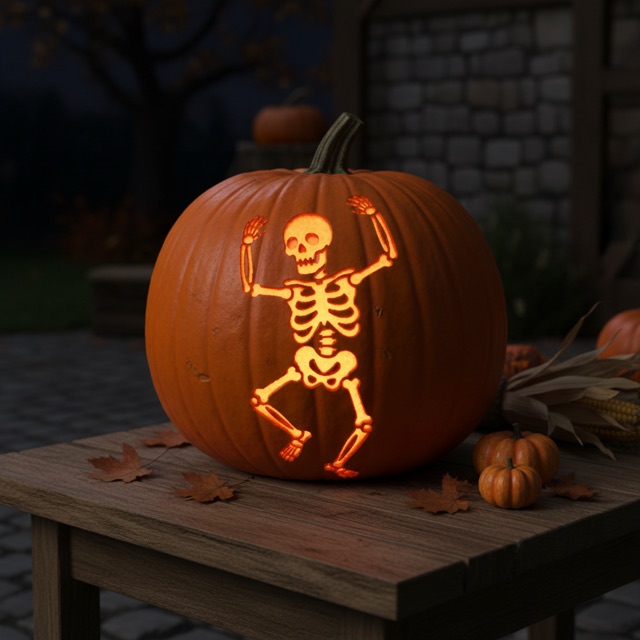
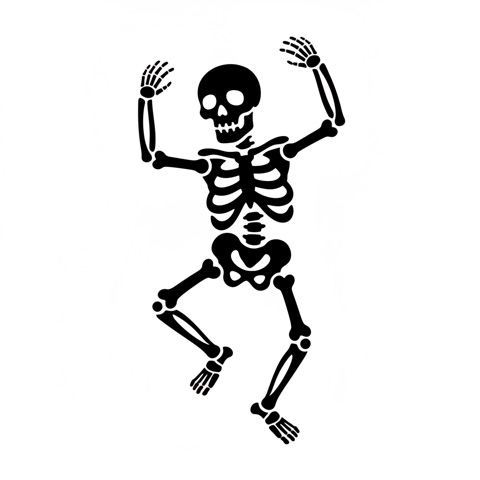
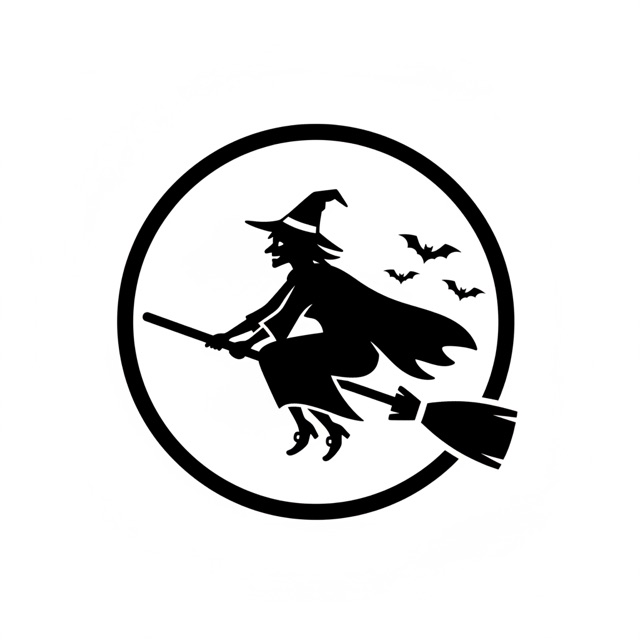
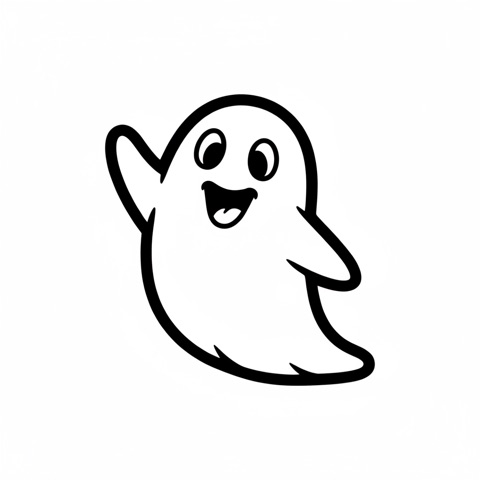
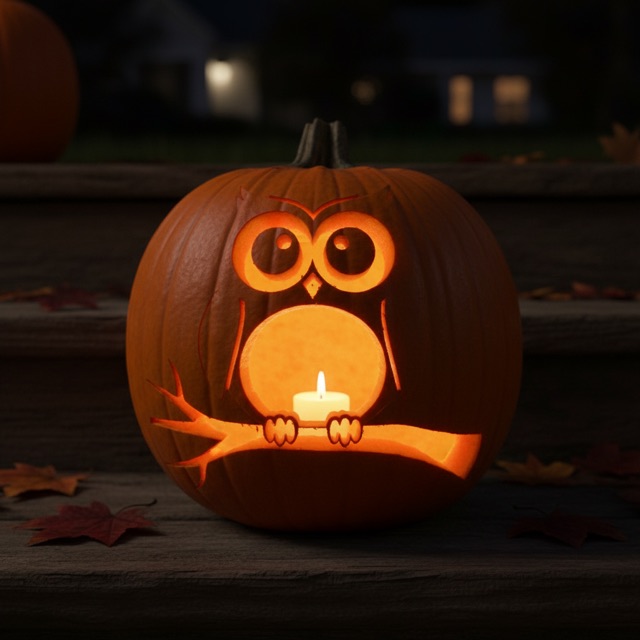
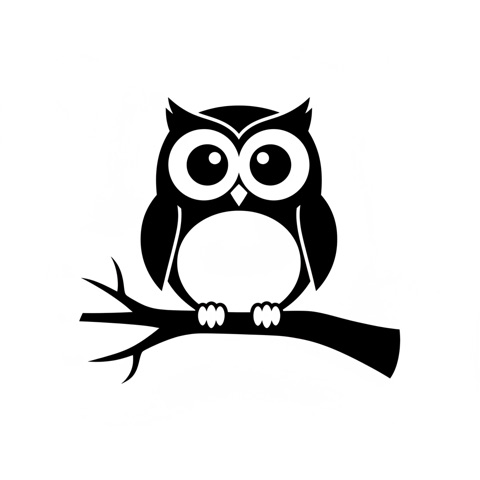
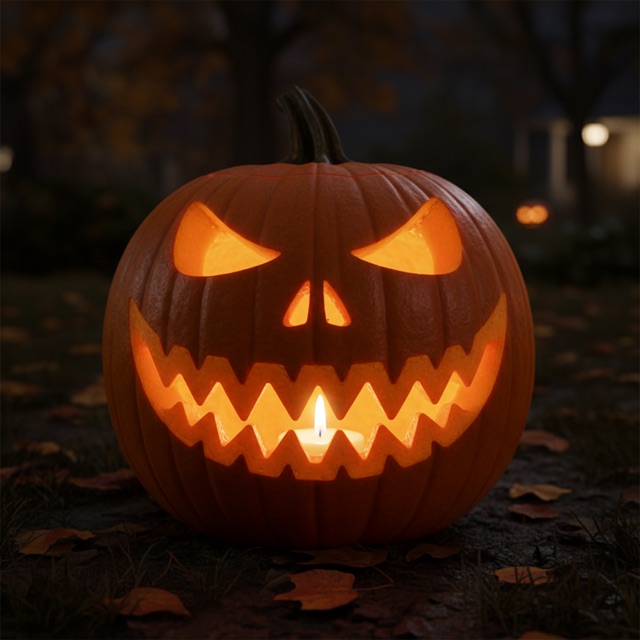
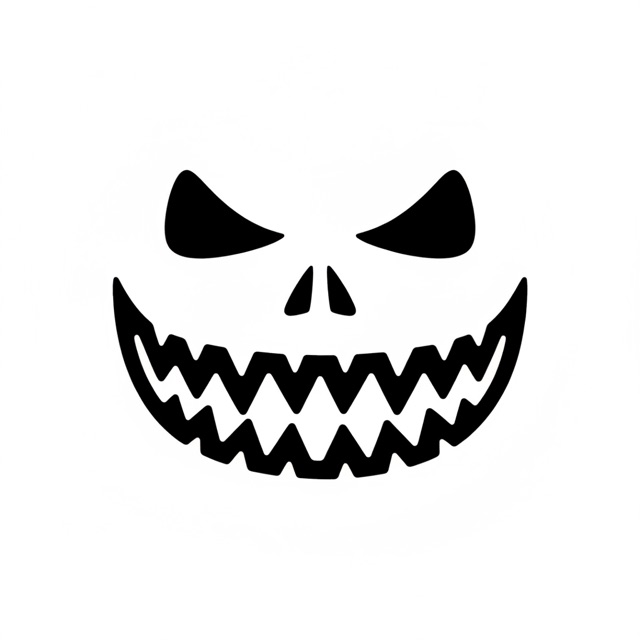
Sample photo is AI-generated Try with your pet →
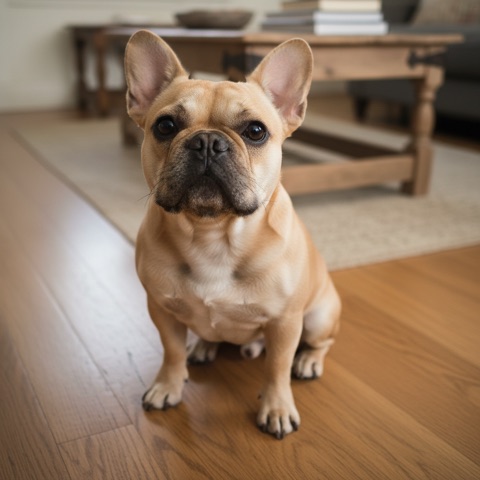
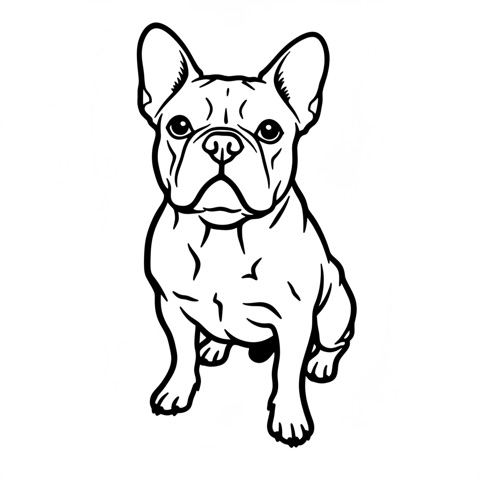
Sample photo is AI-generated Try with your pet →
What you get for $2.99
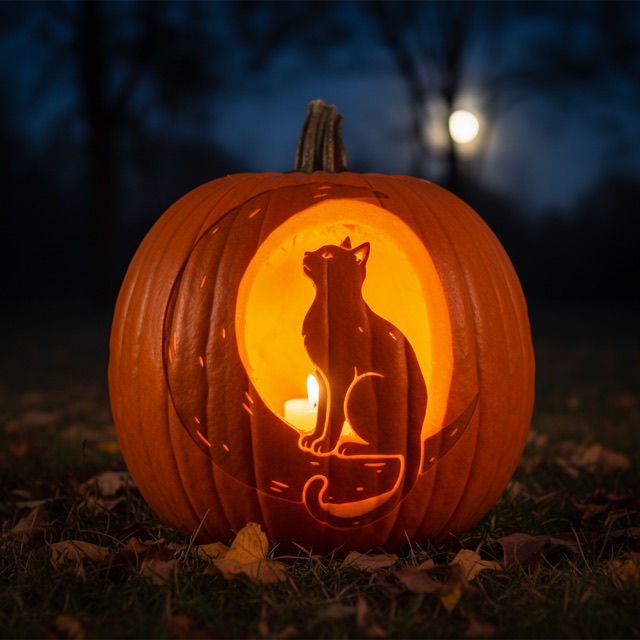
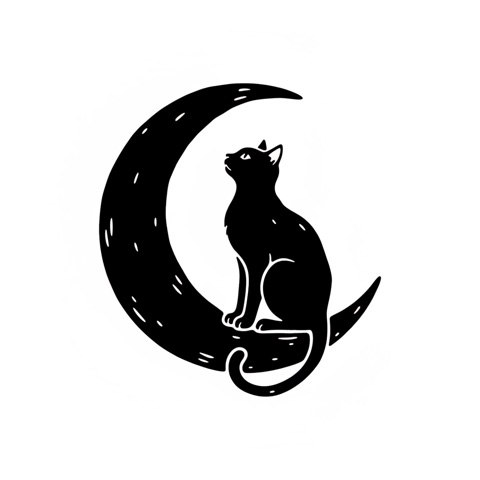
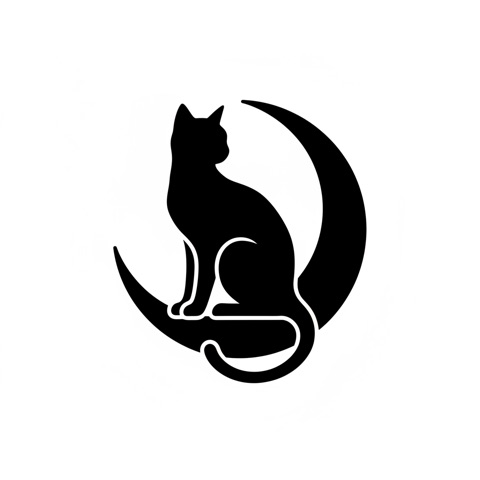
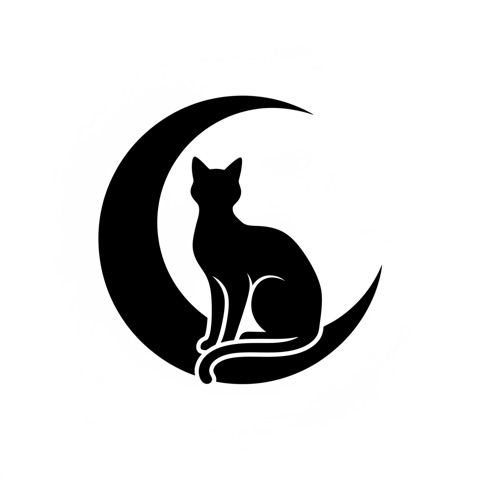
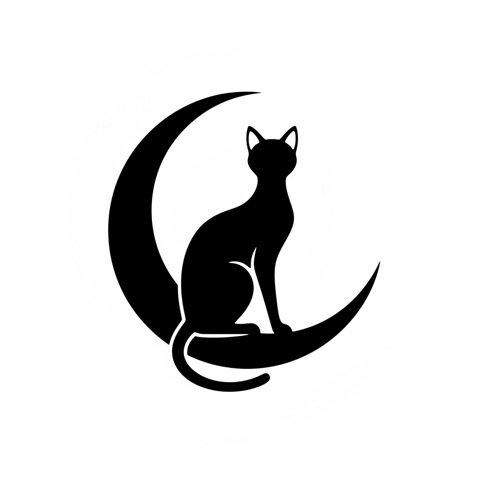
A real pack, exactly as delivered, for the idea “an arched black cat sitting on a crescent moon”.
- Your stencil at full resolution, without the watermark
- 3 more variations of the same idea or photo, so you can pick the easiest to carve
- A photo-style preview of your design carved and glowing at night
- A carving-ready print page (Letter or A4, or save as PDF) that adds bridges automatically, so no piece of pumpkin falls out
- PNG downloads, kept for 30 days
- One payment, no subscription, no account. Not happy? Refund within 14 days.
How to carve a pumpkin with a stencil
- Pick the right design. Bold shapes with thick connected lines are easiest. Thin lines snap, so for a first pumpkin choose the simplest of your variations.
- Print and trim. Print the stencil, cut away the extra paper and make small cuts around the edge so the sheet lies flat on the curve.
- Hollow the pumpkin. Cut the lid at an angle (so it does not fall in), scoop out the seeds and scrape the wall where you will carve until it is about 2–3 cm (1 in) thick.
- Transfer the design. Tape the stencil on and poke along every line with a pin or poking tool, every few millimetres. Peel the paper off and you will see a dotted outline.
- Carve the black areas. The black parts of the stencil are the holes. Start in the middle of the design and work outwards, cutting with a small serrated saw held straight.
- Light it up. Use an LED tea light or a candle. Rubbing petroleum jelly on the cut edges keeps the pumpkin fresh for a few extra days.
Questions
Is the AI pumpkin carving generator free?
Yes. Every design starts with a free preview (with a watermark), and you can make up to 8 free previews a day. If you like one, unlock the full pack for $2.99: the stencil at full resolution without the watermark, 3 more variations of the same idea, a photo-style preview of your pumpkin glowing at night, and a print-ready page.
Can I turn a photo of my dog or cat into a pumpkin stencil?
Yes. Choose “Use a pet photo” and upload a clear photo where your pet’s face is visible. The AI turns it into a black-and-white outline you can carve. Pets and objects only: photos of people are not supported.
Will pieces fall out when I carve it?
Not if you print from the carving-ready print page. AI drawings sometimes leave white areas completely surrounded by black (the eyes of a ghost, for example), which would fall out when you cut the black parts away. The print page finds every such piece and adds a small bridge connecting it to the rest of the pumpkin, and removes specks too small to carve. You can switch it off to print the drawing exactly as made.
Do I need an account or a subscription?
No. There is no signup for the free preview, and unlocking a design is a single $2.99 payment for that design. There is no subscription and nothing renews.
Is there an easy version for kids?
Yes. Choose the Easy difficulty: the AI draws a few large, simple shapes that are quick to trace and carve. Kids can trace and scoop; an adult should do the cutting.
Can I save the stencil as a PDF?
Yes. On the print page press Print and choose “Save as PDF” as the printer. You can also download each stencil as a PNG.
Which AI model makes the stencils?
Stencils and glowing-pumpkin previews are generated with Nano Banana (Google Gemini 2.5 Flash Image), run on fal.ai. Every idea is checked by a content-safety filter before anything is generated.
Can I make a stencil of a movie or cartoon character?
No. Famous characters, logos, brands and real people are protected by copyright or trademark, so we only generate original designs: wolves, bats, cats, ghosts, haunted houses, skulls, witches, your own pet and anything else you can describe.
How do I print the stencil?
After unlocking, press “Print carving-ready stencil”. The design is scaled to fill one Letter or A4 page, with bridges added where needed. Tape it onto the pumpkin and follow the steps in the guide on this page.
What if the result is not good?
If you unlocked a pack and you are not happy with it, email hello@aipumpkincarving.com within 14 days and we will refund you. If generation fails after you pay, you are refunded automatically.
What happens to my photo?
Your photo is used only to make your stencil. Unpaid designs and photos are deleted after 3 days, unlocked packs after 30 days. There is no account, no gallery and no public sharing.